Free Cook-Off Apps Compared: What to Look For in 2026
The best ways to run a cook-off in 2026: paper ballots, spreadsheets, and dedicated apps compared. Which features actually matter and which tools deliver.
You are organizing a cook-off and you need a way to collect votes. Maybe you have been using paper ballots and want something better. Maybe this is your first event and you are looking at your options. Either way, the choices boil down to four main approaches, each with real trade-offs.
This guide breaks down the common methods people use to run cooking competitions, what works, what does not, and what features actually matter when the food hits the table.
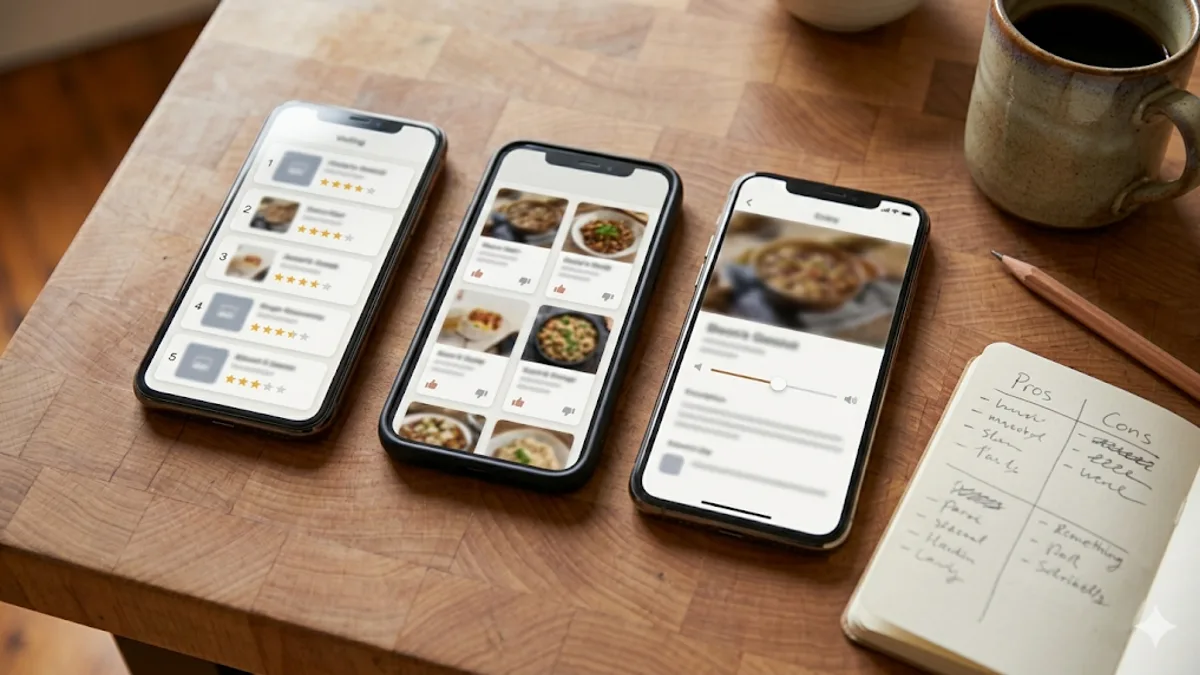
The Four Main Approaches
1. Paper Ballots
The classic. Print some slips, hand them out, collect them in a box, count by hand.
What works: Zero technology required. Anyone can participate regardless of phone or tech comfort. There is nothing to set up or configure. You can run a paper ballot cook-off with a printer, some pens, and 10 minutes of prep.
What does not: Counting takes a long time for groups over 15 people. Handwriting gets misread. Ballots get lost. There is no way to prevent duplicate voting without manually tracking who already submitted. Ties are awkward to resolve. You cannot get a result until every ballot is counted by hand. And if you want to score on multiple criteria (taste, presentation, creativity), the paper forms get complicated and the counting multiplies.
Best for: Very small events (under 15 judges) where simplicity matters more than speed. Family cook-offs where the slow count is part of the fun.
Worst for: Any event with 20+ judges, multiple categories, or time pressure to announce winners quickly.
2. Spreadsheets (Google Sheets, Excel)
A step up from paper. You create a spreadsheet with entries and scoring columns, then either pass around a laptop or enter scores yourself as people call them out.
What works: Automatic math. You set up formulas once, and totals calculate as you enter scores. You can handle weighted criteria, averages, and tiebreakers. Google Sheets is collaborative, so multiple people can enter scores at the same time if you share the link.
What does not: Spreadsheets are not designed for live event voting. Passing a laptop around a room is clunky. Having judges shout scores while someone types is chaotic. The interface is not mobile-friendly for judges, and there is no way to give each person their own private ballot. Data entry errors are easy to make under time pressure.
Best for: Small competitions where one person (a scorekeeper) enters all the data. Competitions with a judging panel rather than crowd voting. Post-event record keeping.
Worst for: Events where everyone in the room votes individually. Anything that needs to move fast.
3. General Survey Tools (Google Forms, SurveyMonkey, Typeform)
Survey platforms are the first place most people look when they want digital voting. Create a form with rating questions for each dish, share the link, and collect responses.
What works: Everyone can vote from their own phone. Responses are collected automatically. You get basic charts and summary data. Google Forms is free and most people know how to use it.
What does not:
- No automatic results. You can see individual responses as they arrive, but there is no automatic winner calculation. You still need to export data and figure out the results yourself.
- No duplicate prevention. Unless you require sign-in (which adds friction), anyone can submit the form multiple times. Google Forms can limit to "one response per person" only if respondents are signed into Google accounts.
- No self-vote prevention. You cannot stop a contestant from voting for their own dish. The form has no concept of who made what.
- Manual result calculation. Survey tools collect data, but they do not calculate cook-off results. You need to export to a spreadsheet, figure out scoring logic, and calculate winners yourself.
- Not built for live events. The form creation UI is designed for surveys distributed ahead of time, not for real-time event voting. There is no QR code joining, no event management, no admin dashboard showing judge progress.
Google Forms works in a pinch, but you will spend time before the event building the form, time during the event troubleshooting, and time after the event crunching numbers.
Best for: Remote or asynchronous voting where people vote over hours or days, not minutes. Events where you already use Google Workspace and want something familiar.
Worst for: Live events with 20+ judges. Events where you want instant results. Competitions where self-voting is a concern.
4. Dedicated Cook-Off Apps
Purpose-built tools designed specifically for cooking competitions. These handle event setup, judge management, live scoring, and results in a single interface.
What works: Everything is built for the specific use case. QR code joining removes friction. Results calculate automatically the moment voting closes. Self-vote prevention is automatic. Admin dashboards let organizers see who's joined and who's voted. Scoring options (points, rubrics) are designed for food competitions. Winner calculations are instant.
What does not: You are learning a new tool. There is a small amount of setup time to create your event and add entries. If the app is poorly built, it might be slow or confusing. And if the app charges money, you are paying for something you use a few times a year.
Best for: Any cook-off with 15+ judges. Events where fairness matters. Competitions with multiple categories or scoring criteria. Fundraisers and community events with large crowds.
What Features Actually Matter
Not every feature a voting tool offers is equally important. Here is what matters most at a live cook-off, ranked by how much it affects your event.
Must-Haves
Mobile-first voting. If judges cannot vote from their phone in 60 seconds, you have already lost half of them. The voting interface needs to work on any phone browser without downloads or logins.
QR code or link joining. The fastest way to get 40 people voting is a single QR code they all scan. No invitations to send, no accounts to create, no passwords to remember.
Automatic result calculation. The whole point of going digital is not counting votes by hand. The tool should calculate winners, handle tiebreakers, and display results the moment voting closes.
Real-time admin visibility. The organizer needs to see who has joined, who has voted, and who is still outstanding. This lets you nudge laggards and know when it is safe to close voting.
Nice-to-Haves
Multiple scoring styles. Points voting (quick and simple) versus rubric judging (detailed and fair) gives you flexibility for different event types. Not every cook-off needs rubric scoring, but it is nice to have the option.
Self-vote prevention. If contestants are also judges, the system should automatically prevent them from scoring their own dish. This is surprisingly hard to do with general-purpose tools.
Custom categories. Chili cook-offs often have Traditional, White, and Wildcard categories. Bake-offs might have Cakes, Cookies, and Pies. Being able to create categories and calculate winners per category saves you from running three separate events.
Blind tasting. Hiding cook names (or dish names entirely) until results are revealed keeps voting focused on the food, not on who made it. It is not essential, but for competitive events it meaningfully changes how people vote.
Rarely Needed
Complex analytics. You are running a cook-off, not a data science project. Basic results and standings are enough.
Social media integration. Nice on paper, rarely used in practice. People will share photos on their own if they want to.
Payment processing. For fundraiser cook-offs, handling entry fees or tasting tickets is useful, but most organizers already have this covered through other channels (Venmo, cash, separate ticketing).
How Cookoff Stacks Up
Cookoff is a free, purpose-built cook-off app that covers all the must-haves and most of the nice-to-haves listed above. Here is what it does specifically:
- Free, with no paid tier. No trial period, no ads. Unlimited judges through the QR code or link; the caps on email invites and on events per account are lifted on request at no charge.
- QR code invite links. Generate a QR code, print it on a table tent, and judges scan to join. No account needed.
- Three voting styles. Favorite voting for a one-tap People's Choice, points voting for quick events, and rubric judging for competitions that need detailed criteria scoring.
- Voting progress, instant results. The admin dashboard shows who's joined and who's voted. Results calculate automatically the moment you finalize.
- Self-vote prevention. Assign contestants to their dishes and the system blocks them from scoring their own entries.
- Custom categories. Set up multiple categories - best chili, best side dish, best dessert - and get separate winners for each.
- Web and native iOS. The web app works in any browser. The iOS app adds Face ID login, QR code scanning, and native performance.
- Winner badges and shareable results. Share results with downloadable winner badge images or a shareable results link, or email results straight to your judges.
It is built specifically for cook-offs - not adapted from a general survey tool or bolted onto a social platform. That focus means the workflow fits how cook-offs actually run: set up dishes, share an invite link, collect votes, announce winners.
A Side-by-Side Summary
Here is how the four approaches compare on the features that matter most at a live event:
| Feature | Paper Ballots | Spreadsheets | Survey Tools | Cookoff |
|---|---|---|---|---|
| Mobile voting | No | Limited | Yes | Yes |
| QR code joining | No | No | No | Yes |
| Automatic results | No | Partial | No | Yes |
| Duplicate prevention | No | No | Limited | Yes |
| Self-vote prevention | No | No | No | Yes |
| Blind tasting | No | No | No | Yes |
| Multiple scoring styles | Limited | Manual | Manual | Yes |
| Cost | Low | Free | Free | Free |
| Setup time | Low | Medium | Medium | Low |
Picking the Right Tool for Your Event
There is no single best tool for every situation. A backyard cook-off with 8 friends and a grill does not need an app. A charity fundraiser with 100 people and 15 entries definitely does.
Here is a simple decision framework:
Under 15 judges, casual event: Paper ballots work fine. Keep it simple.
15-30 judges, single category: A survey tool like Google Forms will get the job done if you do not mind calculating results manually. A dedicated app will save you time and give a better experience.
30+ judges, multiple categories, or prizes at stake: Use a dedicated cook-off app. The time savings, accuracy, and judge experience are worth the 10 minutes of setup.
Fundraiser or community event: Use a dedicated app. You need duplicate prevention, clean results, and a professional experience. Manual counting in front of a crowd that paid to be there is not a good look.
Whatever you choose, the most important thing is that voting does not get in the way of the food. If your voting method causes delays, confusion, or arguments about accuracy, it is the wrong method. Pick something that runs quietly in the background while people focus on tasting and having fun.
Related reading:
Done comparing? Try Cookoff free.
No credit card, no premium tier, no signup required for judges. Set up your first cookoff in about two minutes.
Start with Cookoff