Cook-Off Score Sheets: Free Templates + Digital Alternative
Free printable cook-off score sheet templates for points and rubric judging. Plus a faster digital option that tallies scores automatically.
A cook-off without a score sheet is just a potluck with opinions. Someone says "I liked number three," someone else says "number five was better," and twenty minutes later you're counting hand raises in a parking lot. A proper score sheet keeps things fair, gives cooks real feedback, and means you can actually announce a winner without an argument.
Here's what you need - two ready-to-use templates (points and rubric), tips for customizing your own, and an honest take on when to ditch paper entirely.
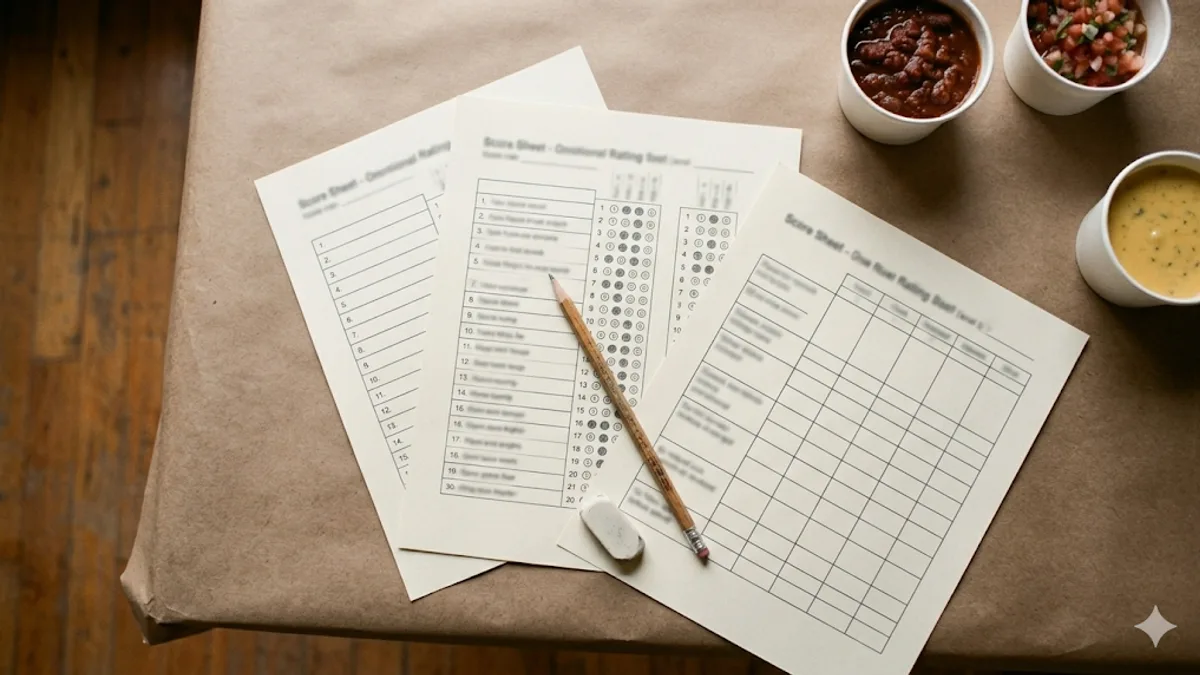
The Points-Based Score Sheet
Points scoring is the simplest approach. Each judge gets a fixed number of points to distribute across all the dishes. You can't give everyone full marks - you have to make real choices about what you liked best.
This is the format that works for most casual cook-offs: office potlucks, neighborhood block parties, church fundraisers. Voting takes 2-3 minutes and tallying is straightforward.
Template Layout
Here's what a points-based score sheet looks like for an event with six entries and five points per judge:
COOK-OFF SCORE SHEET - POINTS
Event: ________________________  Date: ____________
Judge Name/Number: ____________

Distribute exactly 5 points across the entries below.
You may give all 5 to one dish or spread them however you like.

| Entry # | Points (0-5) | Comments (optional)          |
|---------|-------------|------------------------------|
|    1    |             |                              |
|    2    |             |                              |
|    3    |             |                              |
|    4    |             |                              |
|    5    |             |                              |
|    6    |             |                              |
|---------|-------------|------------------------------|
| TOTAL   |     / 5     |                              |

Points must add up to exactly 5. Sheets that don't total correctly will be discarded.
Why This Works
The fixed-point budget is the key. Traditional "rate each dish 1-5" scoring produces a sea of 4s and 5s where everything looks the same. When judges only have five points to spend, they differentiate. The rankings that come out actually mean something.
Print one sheet per judge. Collect them all at the end, add up each entry's column, and the highest total wins.
Customizing the Points Template
- Adjust the point pool based on entry count. For 3-4 dishes, 5 points works well. For 8-10 dishes, bump it to 7-10 points so judges can spread their preferences.
- Add a "Top Pick" line at the bottom if you want a People's Choice tiebreaker.
- Include a brief instruction line reminding judges that points must total exactly the pool amount. You will get sheets that add up wrong otherwise.
The Rubric-Based Score Sheet
Rubric scoring is more detailed. Instead of distributing a lump sum, judges rate each dish on multiple criteria using a 1-10 scale. This is how serious competitions work - BBQ contests, the World Food Championships, any event where cooks want to know not just whether they won, but why.
Template Layout
Here's a rubric score sheet with four criteria. The criteria themselves are per-event - see the list below - but the layout is the same whichever you pick:
COOK-OFF SCORE SHEET - RUBRIC
Event: ________________________  Date: ____________
Judge Name/Number: ____________

Rate each entry on a scale of 1-10 for each criterion.
1 = Poor  |  5 = Average  |  10 = Exceptional

| Entry # | Taste (1-10) | Presentation (1-10) | Creativity (1-10) | Heat (1-10) | Total |
|---------|-------------|--------------------|--------------------|-------------|-------|
|    1    |             |                    |                    |             |   /40 |
|    2    |             |                    |                    |             |   /40 |
|    3    |             |                    |                    |             |   /40 |
|    4    |             |                    |                    |             |   /40 |
|    5    |             |                    |                    |             |   /40 |
|    6    |             |                    |                    |             |   /40 |

Notes / Feedback for cooks:
_______________________________________________________________
_______________________________________________________________
Choosing Your Criteria
The criteria should match what you're actually cooking. Don't use a generic list if your event has a specific focus.
Chili cook-off (five criteria, so totals run out of 50 rather than 40):
- Taste/Flavor (depth, seasoning, balance)
- Heat (appropriate level, builds well)
- Texture (consistency, bean/meat quality)
- Appearance (color, garnish, visual appeal)
- Aroma (what it smells like before the first bite)
BBQ or smokeout:
- Flavor (seasoning, sauce balance)
- Tenderness (texture, moisture, pull)
- Smoke (presence, quality, not overpowering)
- Presentation (plating, visual appeal)
Bake-off:
- Taste (flavor, sweetness balance)
- Texture (crumb, moisture, structure)
- Presentation (decoration, visual appeal)
- Creativity (originality, unique twist)
General cook-off:
- Taste (overall flavor quality)
- Presentation (visual appeal)
- Creativity (unique ingredients or approach)
- Aroma (smell before first bite)
Stick to 3-5 criteria. Every criterion you add multiplies the math at the end and the time judges spend per dish. If you're running a casual event, three criteria is plenty.
Weighted vs. Equal Criteria
Some competitions weight criteria differently - Taste might be worth 40% while Presentation is worth 15%. On paper, that's arithmetic on every sheet for every judge, which is where mistakes creep in.
For a paper score sheet, equal weighting keeps things simpler to tally and easier to double-check. If you want one criterion, like Taste, to carry more of the score without doing that math by hand, use fewer criteria instead - three categories makes each one a third of the total instead of a fifth. If you're scoring digitally, Cookoff applies custom weights automatically - set Taste to 40% once and every judge's score gets weighted when you finalize, no hand arithmetic required.
Tips for Designing Your Own Score Sheet
If neither template fits your event perfectly, here's what to keep in mind when building a custom one.
Number entries, not names. Blind tasting is the single biggest thing you can do for fair results. Assign each dish a number and don't reveal who made what until after scoring closes. People judge differently when they know their friend or boss made entry #4.
Leave space for comments. Even a single line per entry. Cooks want to know why they scored high or low, and "great flavor but too salty" is more useful than a 6/10 with no context.
Include clear instructions on the sheet itself. Don't assume judges will remember what you said at the beginning. Print the scoring rules right on the paper: "Distribute exactly 5 points" or "Rate each criterion 1-10."
Add an allergen column if needed. For events where dietary restrictions are a concern, a small column noting key allergens (dairy, gluten, nuts, meat) next to each entry helps judges with restrictions skip safely.
Make the math obvious. For rubric sheets, include a "Total" column with the maximum score printed - "/40" for four criteria, "/50" for the five-criterion chili set above. For points sheets, include a "TOTAL" row that should match the point pool. Sheets with wrong totals create problems at counting time.
Use landscape orientation for rubric sheets. Rubric sheets have more columns than points sheets. Printing in landscape gives judges room to write without squishing everything together.
When to Ditch the Paper
Paper score sheets work fine for small groups. If you have 10 judges and 5 entries on a points system, tallying takes five minutes. No complaints.
But the math gets ugly fast.
Points scoring with 25 judges and 8 entries? That's 200 individual scores to add up. Doable, but slow and error-prone.
Rubric scoring with 15 judges, 8 entries, and 4 criteria? That's 480 individual scores. Good luck getting through that without a spreadsheet and at least one recount.
The breaking point is usually around 15 judges or 6+ entries with rubric scoring. Past that, paper ballots mean someone spends 20 minutes hunched over a calculator while everyone else waits for results. Ties get messy. Illegible handwriting causes arguments. Someone inevitably turns in a sheet with the math wrong.
Digital tools fix all of this. Cookoff handles favorite, points, and rubric voting - you set up the event, add your dishes and criteria, share a link or QR code, and results tally automatically the instant you finalize. No counting, no math errors, no waiting. You can check the features page for the full breakdown.
The practical advantage isn't flashiness - it's that you get accurate results in seconds instead of minutes, and nobody has to volunteer for tally duty.
Common Score Sheet Mistakes
Even with a good template, a few pitfalls trip people up repeatedly.
Too Many Criteria
Five criteria on a rubric sheet is fine. Seven is pushing it. Ten is a guaranteed drop in scoring quality. Judges get fatigued, start giving everything the same score, and your detailed rubric produces the same result as a simple "which one did you like best?" Save everyone's time and stick to what actually matters.
No Space for Comments
A score of 6/10 for Taste tells the cook nothing. "Good base flavor but needed more salt" tells them everything. Even a one-line comment field per entry dramatically improves the feedback value of your score sheet. Cooks who get useful feedback are more likely to come back for the next event.
Forgetting the Tiebreaker Plan
What happens when two entries tie? Decide before voting starts, print it on the score sheet or announce it at the beginning, and don't change the rules after results are in. Common tiebreakers:
- Highest single-criterion score (e.g., whoever scored higher on Taste wins the tie)
- Most first-place votes (in points systems, who got the most "all points on one dish" ballots)
- Judge panel decides (if you have a separate judge panel alongside crowd voting)
Using Names Instead of Numbers
This bears repeating. The moment judges see "Sarah's Mac & Cheese" instead of "Entry #4," the results are compromised. Popularity bias, friendship bias, and authority bias all kick in. Number everything.
No Collection System
Passing around a hat for paper ballots sounds fine until three people forget to turn theirs in and two more are found crumpled under the condiment table after results are announced. Designate one collection point, one person responsible for collecting, and announce a clear deadline. "All ballots in the box by 1:30. No exceptions."
Skipping the Score Sheet Entirely
"Just tell me your top three" sounds easier than printing score sheets. It isn't. Without a written record, you're relying on memory, verbal chaos, and whoever talks loudest. Even a napkin with numbers on it is better than nothing. Structure produces fair results. Winging it produces arguments.
Quick Reference: Which Template Do You Need?
| Your situation | Use this |
|---|---|
| Casual event, any number of judges, 4-8 entries | Points template |
| Competitive event, judge panel, want detailed feedback | Rubric template |
| 15+ judges or 6+ entries with rubric scoring | Digital tool like Cookoff |
| Mix of crowd + judges | Points for crowd, rubric for judges |
Pick the method that matches your event's vibe and your patience for math. A simple score sheet done right beats a complex one done poorly.
Related reading:
Skip the paper score sheets
Cookoff turns these templates into a digital ballot judges score on their phones - no scanning, no math errors.
Use a digital ballot